On a prebuilt NAS, use whatever the vendor defaults to — Btrfs on Synology and UGreen, ZFS on TrueNAS and QNAP's QuTS hero models — because that is the path their snapshot and repair tooling is built around. Choose ext4 only when you want maximum simplicity and have redundancy and backups handled elsewhere. The feature that actually matters is checksumming, and ext4 does not have it.
Filesystem arguments get heated, but for a home NAS the decision usually comes down to one question: do you want the filesystem to be able to tell you that a file has quietly gone wrong?
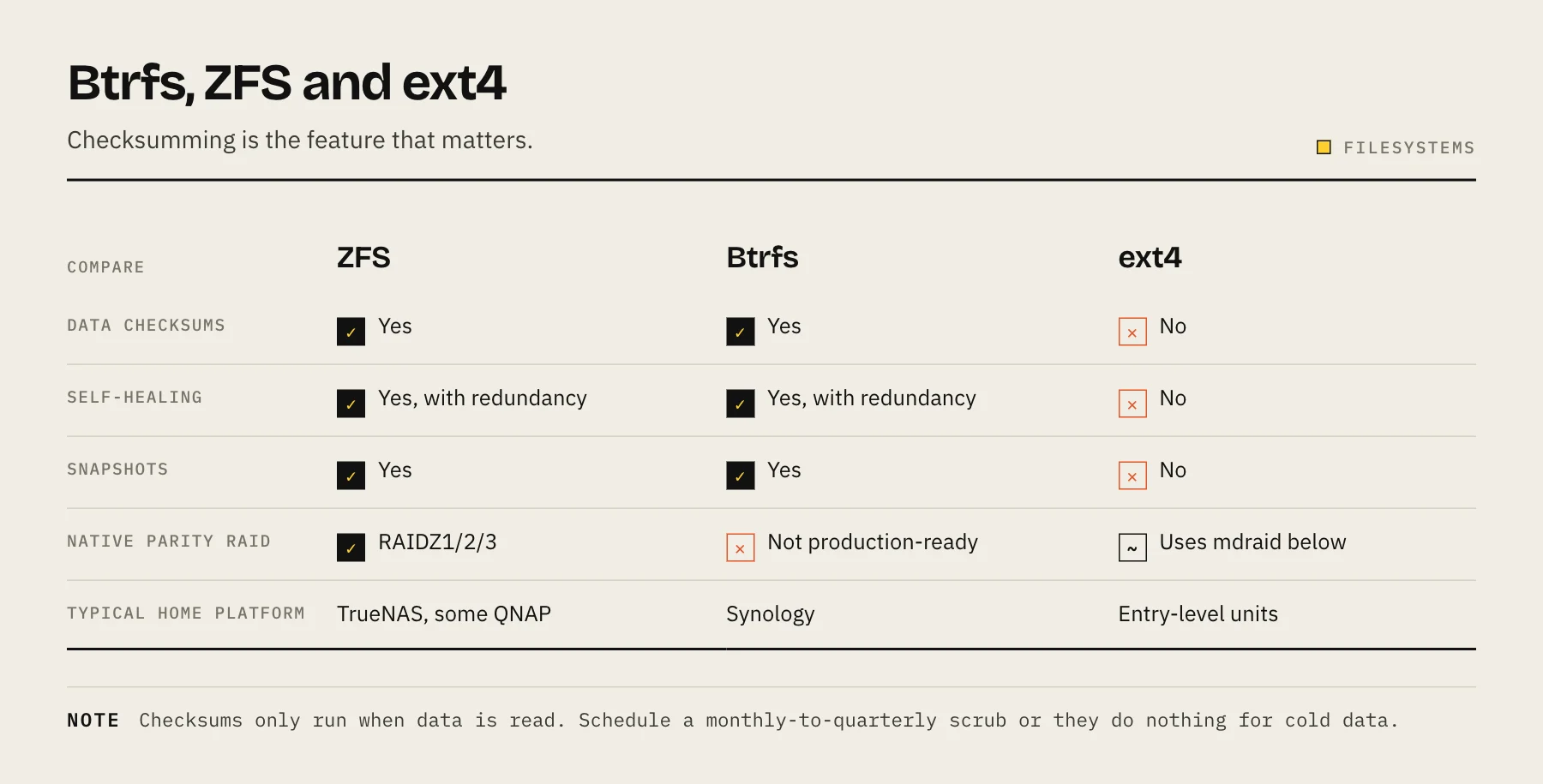
The difference that matters: silent corruption
A drive can return data that is wrong without reporting any error. Bit rot, a controller glitch, a cable fault, or a bad memory module before the write all produce data the disk happily hands back with no complaint. SMART will not see it. A RAID controller will not see it, because both copies look equally valid to it.
ZFS and Btrfs checksum every block and verify it on read. When the checksum does not match, they know. With redundancy, they repair it from the good copy and log the event. This is called a scrub when done proactively across the whole pool.
ext4 does not checksum file data. It checksums metadata (journal and structures), which protects the filesystem's own integrity, but the contents of your files are unverified. A corrupted photo reads back as a corrupted photo and nothing anywhere notices.
For a machine whose purpose is holding data for years, that is the whole argument.
ZFS
Strengths. Mature, thoroughly tested, checksums with self-healing, snapshots that are instant and cheap, transparent compression that is usually a net performance win on modern CPUs, send/receive for efficient replication to another machine, and RAIDZ built into the filesystem rather than layered under it.
Costs. Historically rigid about expansion — you could add a whole new vdev but not grow an existing RAIDZ one disk at a time. RAIDZ expansion has since landed in OpenZFS, but check whether your platform's release actually includes it before planning around it. It also wants more RAM than the alternatives to perform well, though far less than the folklore claims — see how much RAM a NAS needs.
Use it when you are running TrueNAS, or a QNAP model running QuTS hero, and you want the strongest available data-integrity story.
Btrfs
Strengths. Checksums and self-healing like ZFS, snapshots that are cheap and per-subvolume, and much more flexible about adding and removing devices of different sizes. On Synology, Btrfs is what makes DSM's file-level snapshot restore, Snapshot Replication and self-healing work at all — running ext4 on a Synology means giving those up.
Costs. Btrfs's own multi-device RAID 5/6 implementation is still documented as having unresolved issues and should not be used for data you care about. Synology sidesteps this entirely by running Btrfs on top of Linux mdraid rather than using Btrfs's native parity, which is why Synology's Btrfs deployment is safe while "Btrfs RAID 5" in general is not. Know which one you are talking about.
Use it when you are on Synology or UGreen (where it is the right default) or you want checksumming with easier device flexibility than ZFS.
ext4
Strengths. Simple, extremely well-understood, low overhead, recoverable with standard Linux tooling that every technician knows. Modest RAM appetite.
Costs. No data checksums, no snapshots, no compression, no self-healing.
Use it when you have an entry-level NAS with limited RAM, your workload is straightforward file storage, and your protection strategy is redundancy plus disciplined offsite backups. That is a legitimate position — it is just a different one, where the backup carries all the weight.
Side by side
| ZFS | Btrfs | ext4 | |
|---|---|---|---|
| Data checksums | Yes | Yes | No |
| Self-healing with redundancy | Yes | Yes | No |
| Snapshots | Yes | Yes | No |
| Transparent compression | Yes | Yes | No |
| Native parity RAID | RAIDZ1/2/3 | Not production-ready | Uses mdraid below |
| Device flexibility | Improving | Good | N/A |
| RAM appetite | Highest | Moderate | Lowest |
| Typical home | TrueNAS, QNAP QuTS hero | Synology, UGreen | Entry-level units |
Things that change the answer
Compression is usually free speed. LZ4 on ZFS and zstd on Btrfs compress fast enough that reading less data off a spinning disk more than pays for the CPU cost. Leave it on. It does nothing for already-compressed media files, and that is fine — it costs nothing there either.
Deduplication is almost never worth it. Its memory cost is severe and home libraries of photos and video contain very few identical blocks. Skip it.
Snapshots are not backups. They live on the same pool. A pool loss, a fire or a controller failure takes them with it. See ZFS snapshots vs backups for the distinction, and keep the 3-2-1 rule intact regardless of filesystem.
Checksums cannot fix what they cannot verify against. Without redundancy, a checksumming filesystem tells you a file is corrupt but cannot repair it. That is still far better than not knowing — you can restore that specific file from backup rather than discovering the loss years later.
Changing filesystem later
There is no in-place conversion path on any NAS platform worth attempting. Changing the filesystem of a volume means destroying and recreating it, which means a full data copy out and back.
Practically: decide at build time, and if you are on the fence, pick the checksumming option. The people who regret their filesystem choice are almost always the ones who chose ext4 for simplicity and later wanted snapshots.
If you are migrating anyway, our guide on moving to a new NAS without losing data covers the safe sequencing.
Schedule a scrub, or the checksums do nothing
Checksums are verified on read. Data nobody has read in three years has never been checked. A scrub reads every block in the pool and verifies it, repairing mismatches from redundancy where it can.
Run one monthly to quarterly. Both Synology and TrueNAS can schedule it. Pair it with a monthly extended SMART self-test — the scrub finds wrong data, the self-test finds unreadable data, and you want both. See SMART attributes that predict failure.
FAQ
Is XFS an option? It appears on some enterprise-leaning NAS platforms. Like ext4, it has no data checksums, so it lands in the same category.
Does ZFS need ECC RAM? It benefits from it, as any storage system does, but "ZFS without ECC is dangerous" is overstated. Non-ECC ZFS is still substantially safer than non-ECC ext4.
Can I run Btrfs on top of hardware RAID? You can, but the controller hides the redundancy from Btrfs, so it can detect corruption and not repair it. Let the filesystem see the individual disks.
Which is faster? For home workloads the disks and network dominate. Do not choose a filesystem on benchmark numbers you will never reach.
Sources
- Btrfs documentation — Status — Btrfs project
- btrfs(5) — RAID56 status and recommended practices — Btrfs project
- ext4 Data Structures and Algorithms — Checksums — Linux kernel documentation
- OpenZFS 2.3.0 release notes (RAIDZ expansion) — OpenZFS
- Btrfs file system on DSM — Synology
- QuTS hero — ZFS-based NAS operating system — QNAP